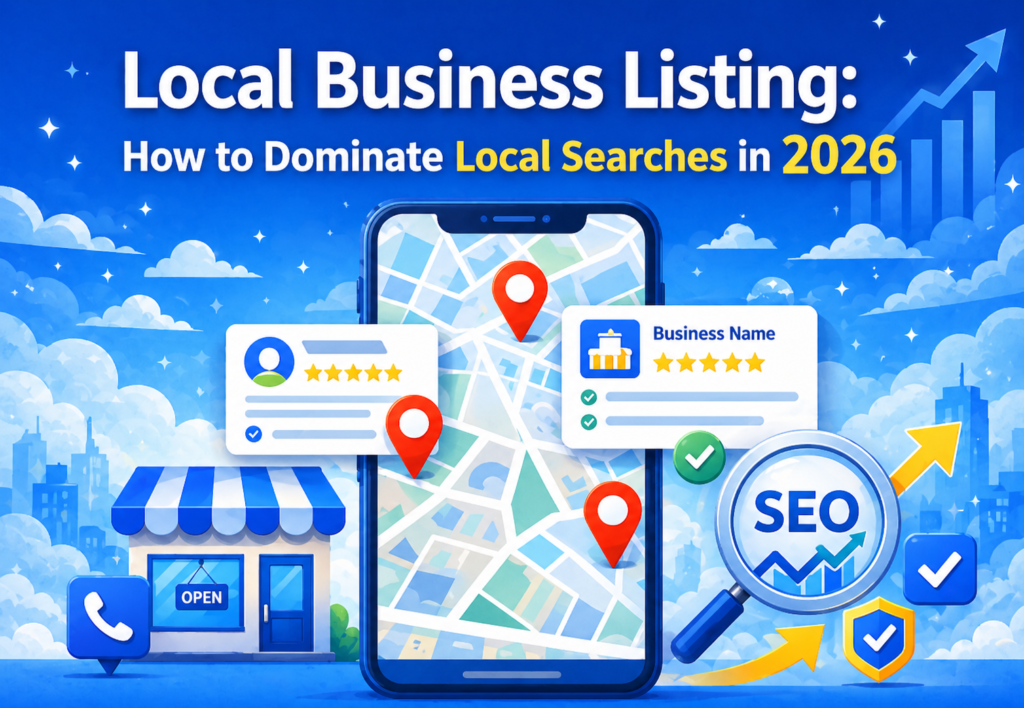
If you run a small business, you already know how competitive the digital world has become. But here’s a question—how do local customers discover nearby services in today’s digital marketing landscape?
Easy… they search online.
And that’s exactly where local business listing steps in as one of the most powerful off-page SEO strategies to skyrocket local visibility, trust, and website traffic.
But what really makes local business listing so effective in digital marketing? How can you optimize your presence across local directories? And what should you include to get maximum local traffic?
Let’s break it down in the most practical way possible.
What is a local business listing in SEO?
Imagine this:
Someone in your city searches on Google—“best cake shops near me.”
Suddenly, Google shows a local business listing with photos, ratings, directions, and website links.
Ever wondered how those businesses appear at the top?
Because they’re properly listed in online business directories.
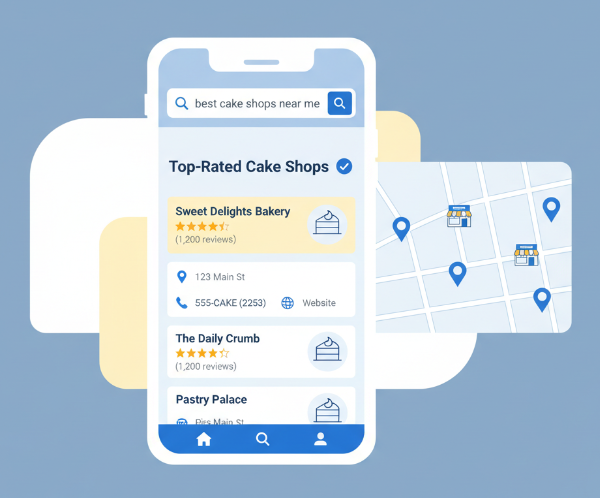
A local business listing is an online profile of your business that appears on various directories such as Google Business Profile, Bing Places, Justdial, India Mart, Sulekha, and dozens more.
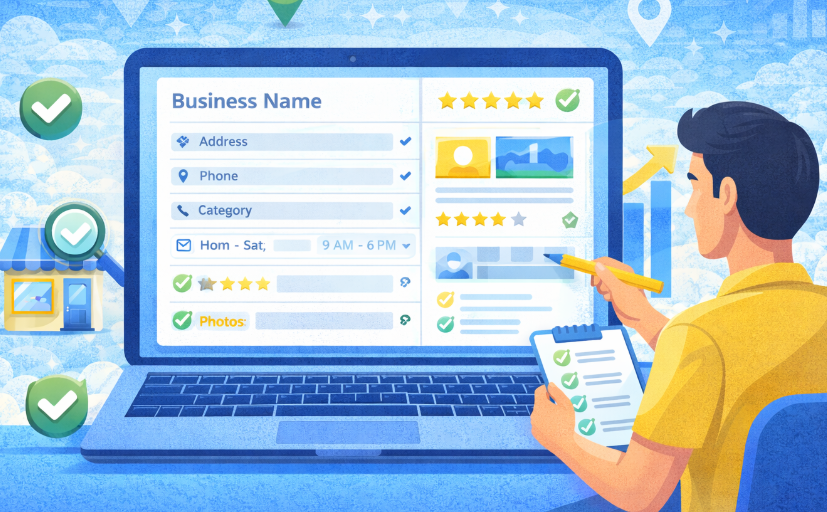
It contains key details like
- Business Name
- Address
- Phone Number
- Website
- Category
- Working Hours
- Photos
- Reviews
In digital marketing, local business listing play a crucial role in off-page SEO because search engines use these listings to verify your business’s legitimacy and local relevance.
Why Is It Important?
Because it helps you:
- Appear in “near me” searches
- Boost visibility in your local city
- Enhance Google Map rankings
- Build trust and credibility
- Increase walk-in and online traffic
- Strengthen your overall digital marketing strategy
If your business isn’t listed locally, you’re practically invisible to customers who are ready to buy.
How to Optimize Your Business for Local Listings
Here’s a question…
Is a local business listing enough?
Not really.
If your listings are not optimized, consistent, and trustworthy, search engines won’t push you to the top.
Let’s explore the optimization tactics that truly move the needle in off-page SEO.
1. Keep Your NAP (Name, Address, Phone) Consistent Everywhere
One small mismatch like “MG Rd.” vs “M.G. Road” can confuse Google.
So ensure your information is identical across all directories.
Why?
Because consistent NAP helps search engines trust that your business is real.
2. Choose the Right Business Categories
Most people pick random categories.
But Google ranks businesses based on category accuracy.
For example:
- Instead of “Store,” choose “Cake Shop,” “Bakery,” or “Custom Cakes Store.”
- Instead of “Clinic,” choose “Dental Clinic,” “Skin Clinic,” etc.
This one change can dramatically boost visibility.
3. Add High-Quality Photos
People trust what they see.
Upload:
- Interior photos
- Products
- Team pictures
- 360° view
- Before/after photos (if relevant)
Photos also improve engagement, which boosts SEO.
4. Use Keyword-Optimized Descriptions
Your description should naturally include terms like
- digital marketing
- Local Business Listing
- off-page seo
- Your main services
- Benefits
Example:
“We are a digital marketing agency providing SEO, website design, and social media services in Dehradun.”
Short, clear, and keyword optimized.
5. Collect and Respond to Reviews
Reviews are the backbone of trust and local SEO.
Why?
Because Google uses reviews to measure customer satisfaction.
Steps:
- Ask customers to leave a review
- Reply to every review (positive or negative)
- Add keywords in your responses (naturally)
6. Add Accurate Working Hours
When your business is “closed,” Google lowers your ranking during that time.
So ensure your hours are always updated—especially on festivals, holidays, or special days.
7. Add Products & Services Section
Not many businesses use this section, but it’s a huge SEO booster.
Add:
- Service name
- Price (optional)
- Description
- Category
This helps Google understand your business better.
8. Add Website and Tracking Parameters
Link your website with UTM parameters to track traffic:
Example:
?utm_source=google&utm_medium=listing&utm_campaign=local_seo
This helps you measure how many customers came through your listing.
Where to Do Local Business Listing for Maximum Visibility
You might wonder…
Which local directories matter in digital marketing?
Here are the top platforms that truly impact off-page SEO and local visibility:
1. Google Business Profile (Most Important)
If you’re not on Google, you’re nowhere.
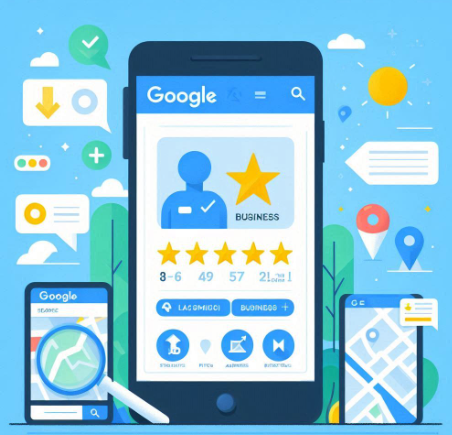
It helps you appear on:
- Google Search
- Google Maps
- “Near me” searches
2. Address Guru
Extremely useful for Indian businesses targeting local leads.
3. Apple Maps Business Connect
iPhone users depend heavily on Apple Maps.
4. Justdial
Useful for Local business listing.
5. Sulekha
Great for home services, education, and B2C businesses.
6. IndiaMart
Perfect for industrial, wholesale, B2B, and manufacturing businesses.
7. Yelp
Still relevant for hospitality, restaurants, and service providers.
8. Facebook Business Page
Optimized Facebook pages also rank locally.
9. Trustpilot
Excellent for online credibility and reviews.
10. Local Classified Sites
OLX, Quikr, and Locanto are great for temporary promotions.
11. Local Chamber of Commerce Listings
Boosts authority and trust signals.
12. Industry-Specific Directories
Examples:
- Zomato (restaurants)
- Practo (doctors)
- UrbanClap/Urban Company (services)
- TripAdvisor (travel & hotels)
Local business listing on the right platforms multiply your reach.
Things to Include in Your Local Business Listing
1. Business Name (Correct and Consistent)
Your business name must be the same across every directory, website, and social profile. Any inconsistency confuses search engines and weakens trust signals. Always use your real, official business name without adding keyword stuffing.
2. Complete Address with Landmark
A full, accurate address helps both customers and Google understand exactly where you are located. Adding a nearby landmark improves navigation accuracy and reduces the chances of customers getting lost.
3. Primary and Secondary Phone Numbers
Having more than one contact number increases your chances of receiving inquiries. If one number is busy or unreachable, customers can still connect with the alternate number, improving conversions.
4. Website Link
Always add your website URL to every listing—this helps drive traffic and boosts your authority. An SEO-optimized website increases trust and enhances your off-page SEO results.
5. Short & Long Business Descriptions
Descriptions help search engines understand what your business offers. Include keywords naturally, like “digital marketing,” “local business listing,” and “off-page SEO,” to improve visibility without sounding forced.
6. Categories & Subcategories
Selecting the right categories helps your business appear in the correct search results. The more specific your category, the easier it is for Google to match you with local customer intent.
7. Photos & Videos
High-quality images create trust and help customers visualize your business before visiting. Real photos of your shop, team, and products boost engagement and improve local ranking.
8. Working Hours
Accurate working hours ensure customers know exactly when you’re open. Update special hours on holidays or events to avoid confusion and negative customer experiences.
9. Services & Product List
Listing services and products helps customers understand what you offer at a glance. Detailed descriptions make your profile richer and more helpful, improving SEO relevance.
10. Reviews & Ratings
Reviews act as social proof and strongly influence customer decisions. Encourage positive reviews and reply thoughtfully—Google rewards businesses with active engagement.
11. Google Maps Location Pin
Make sure your map pin is placed correctly so customers can reach your location without hassle. An accurate pin improves navigation accuracy and reduces lost leads.
12. FAQ Section
FAQs help answer common customer questions directly on your listing. This reduces customer hesitation, improves trust, and can also help with voice search and long-tail SEO.
Final Thoughts
Local business listing is no longer optional in digital marketing—it’s a necessity.
If your business is not listed or optimized, you’re losing potential customers every single day.
With the right off-page SEO strategy, consistent NAP, keyword-rich descriptions, reviews, photos, and listings across relevant platforms, your business can easily dominate local search results.
So, are you ready to make your business the #1 local choice in your city?
Just follow the guide above and watch your local visibility explode.