If you’ve ever typed something into Google and noticed a small “Sponsored” label above the first few results, you’ve already seen Google Ads in action. For anyone starting out, Google Ads for beginners can feel intimidating at first glance, with auctions, bidding strategies, and a dashboard full of unfamiliar terms. The truth is simpler than it looks.
Once you understand the core pieces, you can launch a working campaign in an afternoon and start learning from real data within days. This guide walks through exactly how the platform works, the campaign types you’ll choose between, how budgets and bidding actually function, and the mistakes that quietly drain budgets for people who skip the basics.
Whether you’re managing your own small business or learning the ropes before a marketing job, this beginner’s walkthrough covers what actually matters in 2026, not outdated advice from years ago.
What Is Google Ads and How Does It Work
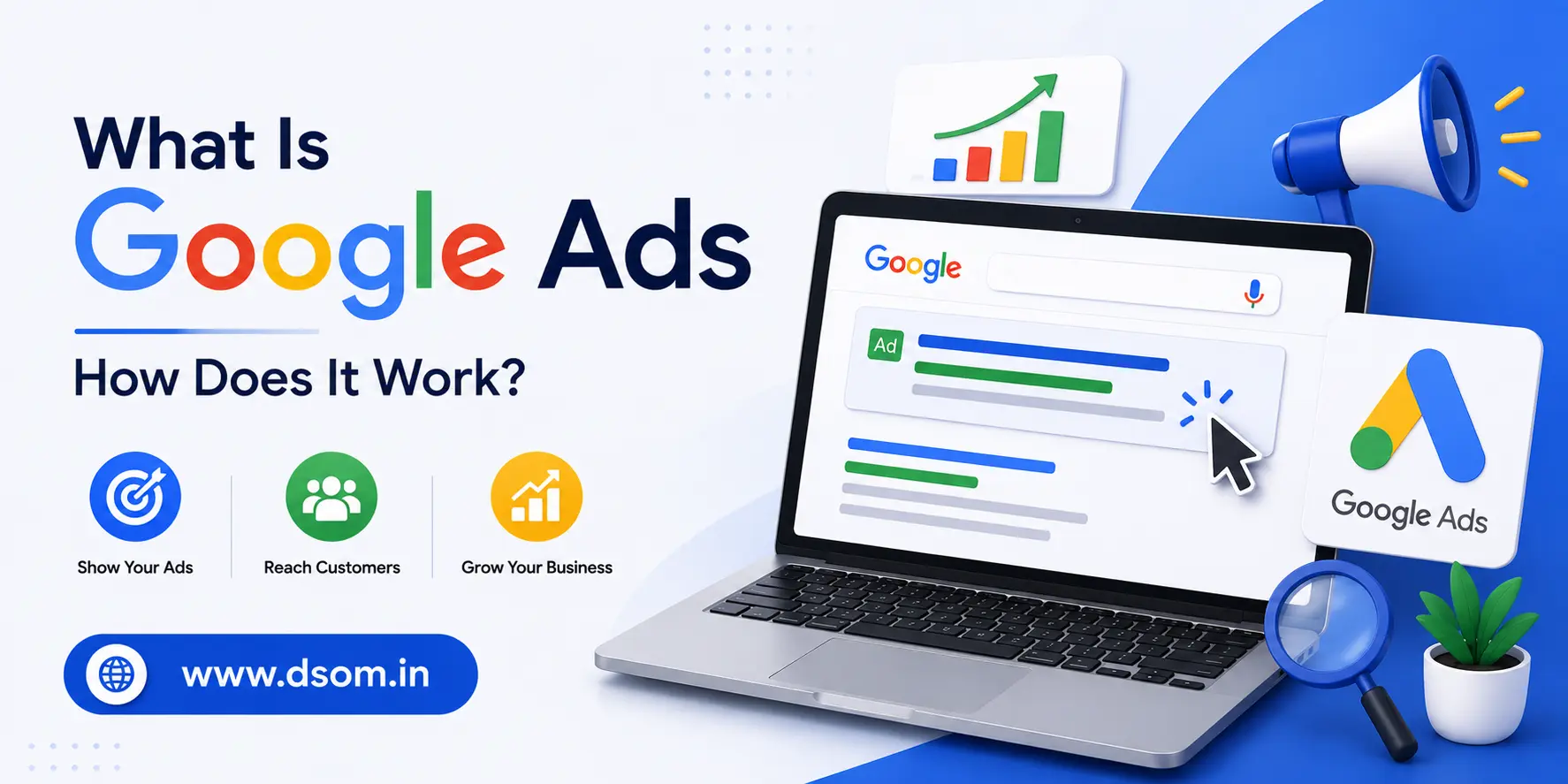
Google Ads is Google’s online advertising platform, and it lets businesses show ads on Google search results, YouTube, partner websites, and apps. When someone searches for a product or service, an instant auction runs behind the scenes, and Google decides which ads to show based on bid amount and ad quality combined, not on who simply pays the most.
This is one of the most important things to understand about Google Ads for beginners: a smaller business with a well-written ad and a relevant landing page can often outrank a bigger competitor who bids more but offers a poorer match for the search. Relevance is rewarded just as much as budget.
How the Google Ads Auction Actually Works
Every time someone searches, Google runs a real-time auction among advertisers targeting that keyword. Your position in the results depends on your Ad Rank, which combines your bid with your Quality Score.
Quality Score is built from three factors:
| Score Factor | What It Measures |
|---|---|
| Expected click-through rate | How likely people are to click your ad |
| Ad relevance | How closely your ad matches the search intent |
| Landing page experience | How useful and fast your landing page is |
A higher score lowers your effective cost per click and can push your ad above competitors who are bidding more but offering a weaker overall experience. This is why beginners who focus only on raising their bid often see disappointing results compared to those who also improve their ad copy and landing pages.
Choosing the Right Campaign Type
One of the first real decisions you’ll make is picking the right format, and this single choice shapes everything else about how your ads behave.
| Format | Where Ads Appear | Best For |
|---|---|---|
| Search | Google search results | Capturing people actively searching for what you sell |
| Display | Partner websites and apps | Building awareness with visual banner ads |
| Shopping | Google Shopping and search | Selling physical products with images and prices |
| Video | YouTube | Brand awareness through video content |
| App | Search, Display, YouTube, Play Store | Driving app installs and engagement |
| Performance Max | All Google channels at once | Letting Google’s AI find conversions across every surface |
| Demand Gen | Discover, Gmail, YouTube feeds | Reaching people earlier in their buying journey |
For most beginners, a Search campaign is the natural starting point, since it captures people who already have buying intent. Performance Max has become extremely popular too, because it uses AI to automatically place your ads across Search, Display, YouTube, Gmail, and Maps from a single setup, but it also hands over more control to Google’s algorithm, which can feel uncomfortable until you trust the data it’s working with.
Keywords: The Foundation of Search Ads
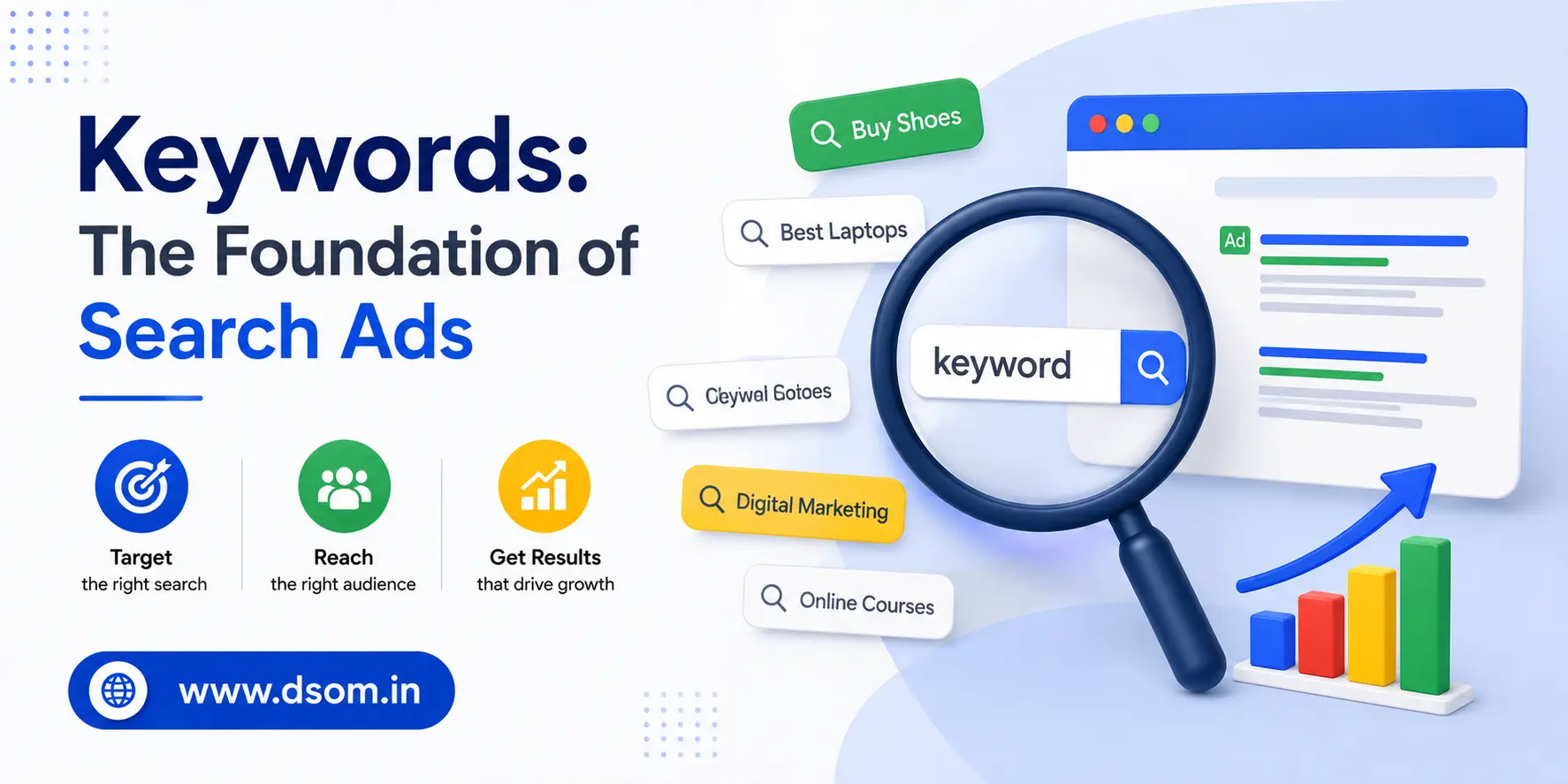
Keywords are the words and phrases people type into Google, and your ads only show when someone’s search matches your chosen keywords closely enough. Choosing the right keywords is arguably the single biggest factor separating profitable campaigns from wasted budgets.
There are three match types to understand:
- Broad match: shows your ad for searches related to your keyword’s meaning, even if the wording is different.
- Phrase match: shows your ad when the search includes your keyword phrase in the same order.
- Exact match: shows your ad only for searches that closely match your exact keyword.
Most experienced advertisers recommend that beginners lean toward phrase match and exact match early on, since broad match can trigger your ads on loosely related searches before you’ve built up enough data to guide Google’s automated systems effectively.
Negative Keywords Save Your Budget
Negative keywords tell Google which searches you don’t want your ad to appear for, and they are one of the most underused tools by people new to Google Ads. If you sell premium furniture, adding “cheap” and “free” to your exclusion list stops your budget from being spent on shoppers who were never going to convert.
A simple habit that pays off quickly: review your search terms report every week during your first month, spot irrelevant searches that triggered your ad, and add those terms as negatives. This single habit alone often improves campaign performance more than any bid adjustment.
Setting Your Budget and Bidding Strategy
There’s no minimum spend required to start, and many small businesses begin with just a few dollars a day. That said, a workable starting budget matters, since campaigns need enough data before they can optimize properly. As a general guideline, a monthly Search budget in the range of a few thousand dirhams or dollars gives most beginners enough volume to see meaningful patterns within the first month.
You’ll also need to choose between manual and automated bidding:
- Manual bidding gives you direct control over how much you pay per click, which suits advertisers who want tight oversight while they learn.
- Automated bidding, often called Smart Bidding, uses Google’s machine learning to adjust bids in real time based on signals like device, location, time of day, and search intent.
Smart Bidding strategies such as Maximize Conversions or Target CPA typically need a steady flow of conversion data, often around twenty to thirty conversions in the past month, before they can learn effectively. Starting with Maximize Conversions and switching to a more specific target once you have that data is a sensible path for most new accounts.
Writing Ads That Actually Get Clicked
A well-written ad earns more clicks, lowers your cost per click, and strengthens your overall ad score all at once. Responsive search ads let you input multiple headlines and descriptions, and Google automatically tests different combinations to find what performs best.
Practical tips for stronger ad copy:
- Include your main keyword naturally in at least one headline.
- Add a clear call to action like “Get a Free Quote” or “Shop Now.”
- Mention a specific benefit or number, since concrete details outperform vague claims.
- Run at least three ads per ad group so Google has enough variations to test against each other.
Avoid pinning every headline to a fixed position. Pinning limits Google’s ability to test combinations, and the system generally finds stronger pairings when it has more freedom to experiment.
Tracking Conversions From Day One
Conversion tracking tells you what’s actually happening after someone clicks your ad, whether that’s a purchase, a form submission, or a phone call. Skipping this step is one of the most common and costly mistakes beginners make, because without it, you’re optimizing blind.
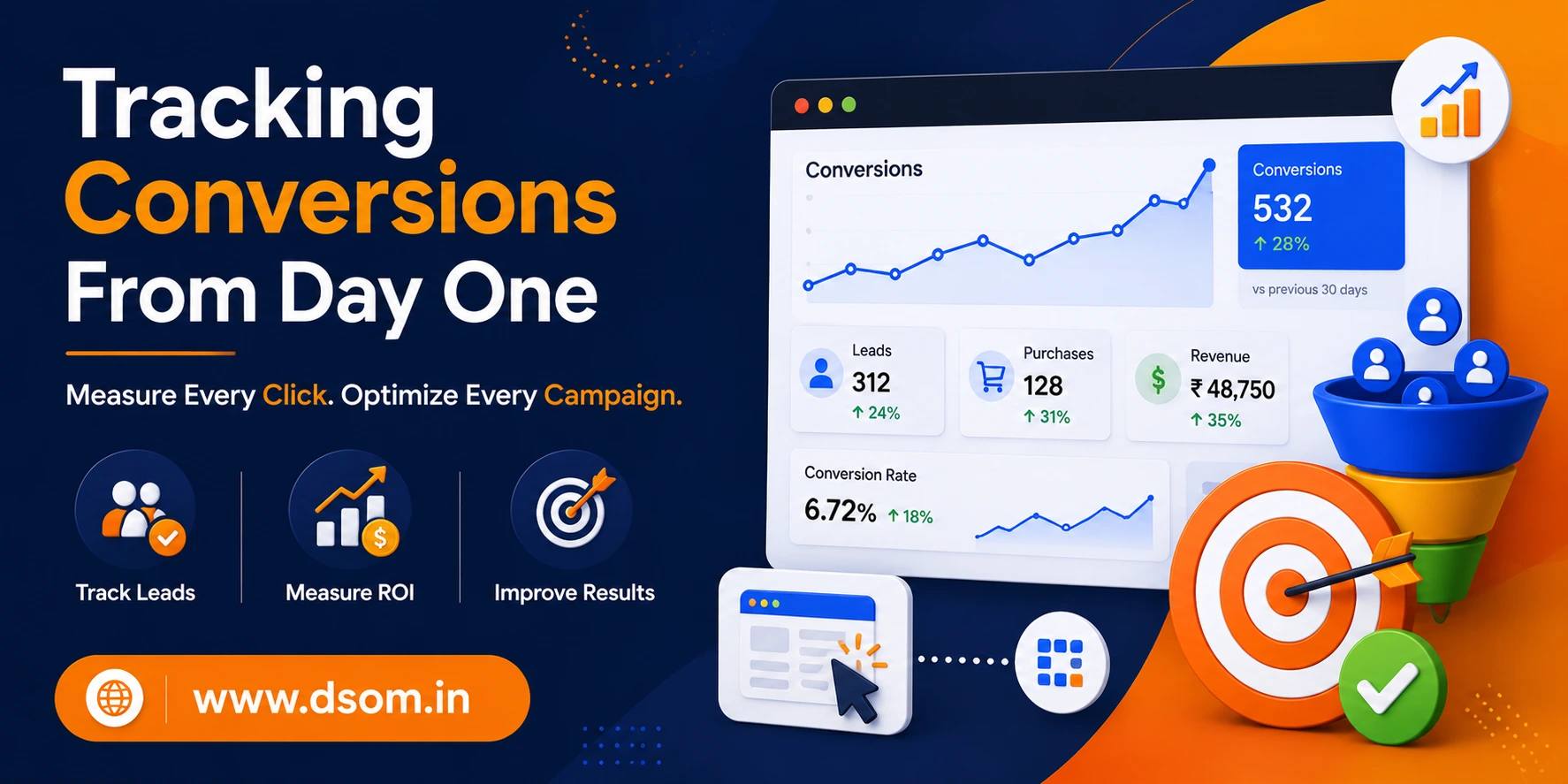
Set this up before your campaign goes live, not after. Every automated bidding strategy depends on this data to function correctly, and a campaign without proper tracking can spend an entire month’s budget with no reliable way to judge whether it worked.
Common Mistakes That Waste Ad Spend
| Mistake | Why It Hurts | Simple Fix |
|---|---|---|
| Ignoring negative keywords | Budget spent on irrelevant searches | Review search terms weekly |
| Using only broad match early on | Loose targeting before data exists | Start with phrase and exact match |
| Sending traffic to a slow landing page | Hurts Quality Score and conversions | Test load speed and mobile experience |
| Setting and forgetting campaigns | Missed optimization opportunities | Check performance at least weekly |
| Skipping conversion tracking | No way to measure real results | Set up tracking before launch |
| Making frequent major changes | Resets the learning phase | Wait at least a week between big edits |
Mobile Matters More Than You Think
A large majority of global web traffic now comes from mobile devices, and campaigns that ignore this reality leave real money on the table. Make sure your landing pages load quickly on phones, your forms are easy to fill out with a thumb, and your click-to-call buttons actually work, since many users will tap to call directly from the ad itself rather than visiting your website at all.
Google also rewards mobile-friendly experiences indirectly. A slow or clunky mobile page tends to push down your landing page experience score, which then drags down your overall ad performance even if your keywords and copy are strong. Testing your site on an actual phone, not just a desktop browser shrunk down, is a small habit that catches problems most beginners never notice until it’s too late.
A Simple First Campaign Checklist
This quick checklist sums up the practical side of Google Ads for beginners, so you have something concrete to follow once you’re ready to launch.
| Step | Action |
|---|---|
| 1 | Define one clear goal: sales, leads, or website traffic |
| 2 | Choose Search as your first campaign type |
| 3 | Build a focused list of phrase and exact match keywords |
| 4 | Write at least three ads with different headlines |
| 5 | Set up tracking for purchases, leads, or calls before going live |
| 6 | Start with Maximize Conversions bidding |
| 7 | Add exclusion terms weekly for the first month |
Remarketing: Reaching People Who Already Visited
Most visitors leave a website without converting on their first visit, and remarketing lets you show ads specifically to people who have already interacted with your site or app. This is one of the easiest wins available once your account has been running for a couple of weeks.
A simple remarketing list might include everyone who visited your pricing page but didn’t submit a form, or everyone who added a product to their cart but didn’t check out. These audiences already know your brand, which usually means a lower cost per conversion compared to cold traffic. For anyone exploring Google Ads for beginners, setting up even one basic remarketing list in the first month is a small effort with a noticeably good return.
Final Thoughts
Google Ads for beginners doesn’t have to mean guessing and hoping. Once you understand how the auction works, how your ad score affects costs, and how keywords, budgets, and bidding strategies fit together, the platform becomes far less intimidating. Learning from industry experts and structured training programs, such as those offered by DSOM (Dehradun School of Online Marketing), can help beginners build a strong foundation and avoid common mistakes when launching their first campaigns.
Start small, track everything from day one, and resist the urge to make big changes every few days. The advertisers who succeed long-term are rarely the ones with the biggest budgets — they’re the ones who watch their data and fix small mistakes early.