Site Navigation & Breadcrumb play a critical role in how users and search engines experience your website.
A few years ago, I audited a site that had excellent content.
The blogs were informative.
The keywords were optimized.
The backlinks were strong.
Yet users were leaving quickly.
- Bounce rate was high.
- Pages per session were low.
- Conversions were suffering.
The problem wasn’t the content.
It was structure.
Users couldn’t understand where they were—or where to go next.
Once we redesigned the Site Navigation & Breadcrumb system, engagement improved, crawl paths became clearer, and overall on page SEO performance strengthened.
That experience made one thing clear: when structure is intuitive, everything else works better.
What Is Site Navigation & Breadcrumb?
Site Navigation & Breadcrumb refer to the systems that help users and search engines understand how pages are organized and connected.
Site navigation helps users move between sections
Breadcrumbs show users where they are within the site hierarchy
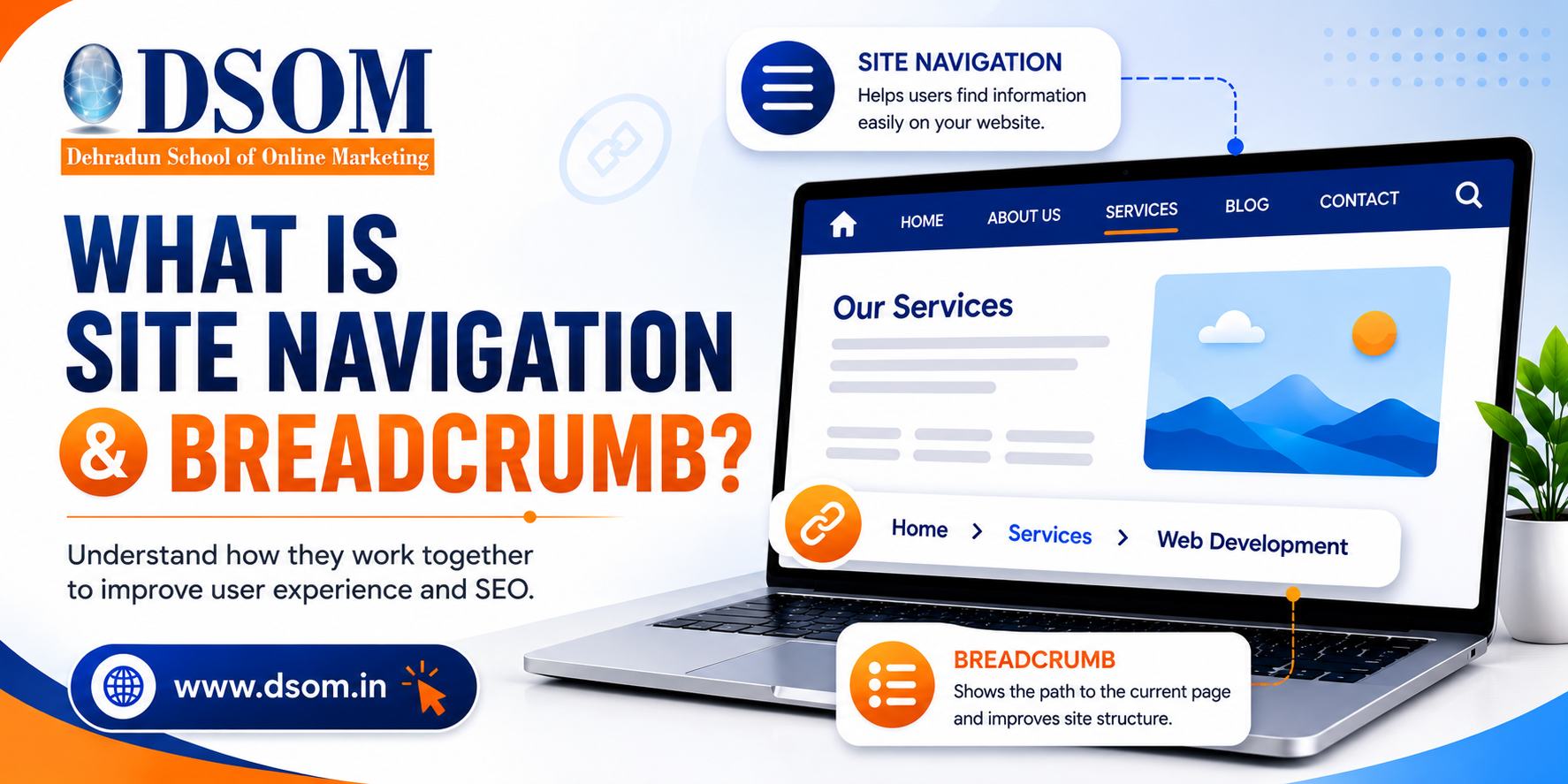
In simple terms, they answer two questions:
Where am I?
Where can I go next?
When these answers are clear, user experience improves—and so does SEO.
Why Site Navigation & Breadcrumb Matter for SEO
Search engines don’t just rank pages.
They analyze structure.
Clear Site Navigation & Breadcrumb systems help search engines:
Understand page hierarchy
Discover deeper pages
Distribute link equity
Improve crawl efficiency
From an on page SEO perspective, good navigation supports internal linking, relevance, and engagement signals.
Types of Navigation Structures & Breadcrumb Designs
Not all navigation systems work the same way.
Here are the most common types:
Hierarchical Navigation
Organizes pages from broad categories to specific subpages.
Flat Navigation
Keeps important pages closer to the homepage with fewer clicks.
Mega Menus
Used on large websites to display multiple categories clearly.
Breadcrumb Designs
Hierarchy-based (Home > Category > Page)
Attribute-based (Product filters)
History-based (User navigation path)
Each format supports usability differently, depending on site size and goals.
How to Design Intuitive Site Navigation
Good navigation feels invisible.
Users shouldn’t have to think.

Best practices include:
Clear menu labels
Logical category grouping
Limited menu depth
Mobile-friendly layouts
A well-designed Site Navigation & Breadcrumb structure helps users move naturally through content without frustration.
Where to Implement Breadcrumb for Maximum Effect
Breadcrumbs shouldn’t be everywhere—but they should be strategic.
They work best on:
Blog posts
Category pages
Product pages
Deep content structures
Placed near the top of a page, breadcrumbs help users retrace steps easily and signal hierarchy to search engines.
Mastering User-Friendly Site Navigation
User-friendly navigation is about clarity, not creativity.
When navigation is predictable:
Users stay longer
Pages per session increase
Bounce rates drop
These behavioral signals indirectly support on page SEO by improving engagement and satisfaction.
The Importance of Breadcrumb Trails
Breadcrumbs are often underestimated.

But they provide powerful benefits:
Reduce user confusion
Improve internal linking
Help search engines understand structure
Enhance SERP appearance with breadcrumb markup
When implemented correctly, breadcrumb trails reinforce a clean and crawlable site architecture.
Site Navigation & Breadcrumb and Internal Linking
Navigation and breadcrumbs are internal links.
And internal links matter.
They:
Distribute authority
Help search engines discover pages
Clarify topical relationships
A strong Site Navigation & Breadcrumb system creates a natural internal linking framework without manual effort.
Common Navigation Mistakes to Avoid
Even good sites make these errors:
Overcrowded menus
Confusing labels
Broken breadcrumb paths
Inconsistent structure
These issues frustrate users and weaken SEO performance.
Simple, consistent navigation always wins.
Does Navigation Directly Affect Rankings?
Not directly.
But indirectly? Absolutely.
Clear Site Navigation & Breadcrumb systems improve:
Crawl efficiency
User engagement
Content discoverability
Search engines reward sites that are easy to explore—for both bots and humans.
Navigation vs Breadcrumb: Know the Difference
Navigation helps users move forward.
Breadcrumbs help users understand location.
Both serve different purposes—but work best together.
When combined, they create a complete orientation system for your website.
Final Thoughts: Structure Is the Silent SEO Advantage
Most websites focus on content and keywords.
But forget structure.
Site Navigation & Breadcrumb systems quietly shape how users experience your site and how search engines understand it.
They don’t replace on page SEO—they strengthen it.
And learning how to design intuitive navigation systems and breadcrumb trails correctly is exactly what DSOM (Dehradun School of Online Marketing) focuses on—training students to master on page SEO, site structure, and real-world optimization strategies that improve usability, visibility, and long-term growth.