Alt Tag was something I once ignored.
The pages looked polished.
The images loaded perfectly.
Everything seemed fine.
Until an accessibility audit revealed the truth.
Screen readers skipped key visuals.
Search engines failed to understand important images.
Critical information never reached some users.
The problem was not design.
It was missing image descriptions.
After fixing the Alt Tag implementation, accessibility improved, image visibility increased, and overall on-page SEO performance strengthened.
That experience taught me something simple.
What users cannot see can still determine whether your website succeeds or fails.

What Is an Alt Tag?
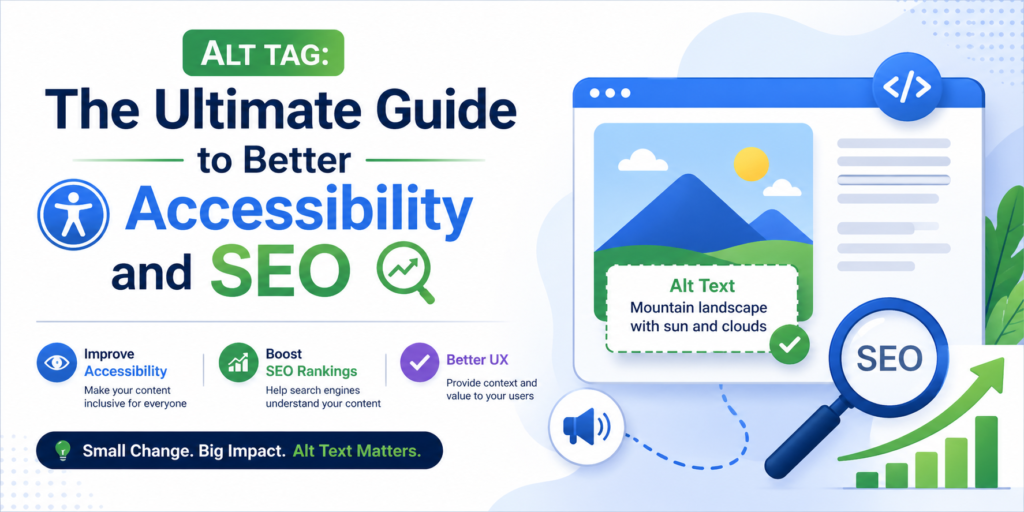
An alt tag, short for alternative text, is a written description added inside an image’s HTML code.
It explains what the image represents when it cannot be visually accessed.
Here is what it looks like in code:

Without it, the image becomes invisible to both.
In simple terms, an alt tag converts visual information into readable context.
Why Alt Tags Matter More Than You Think
Many beginners assume image descriptions are optional.
They are not.
Proper image descriptions play a crucial role in improving accessibility and visibility.
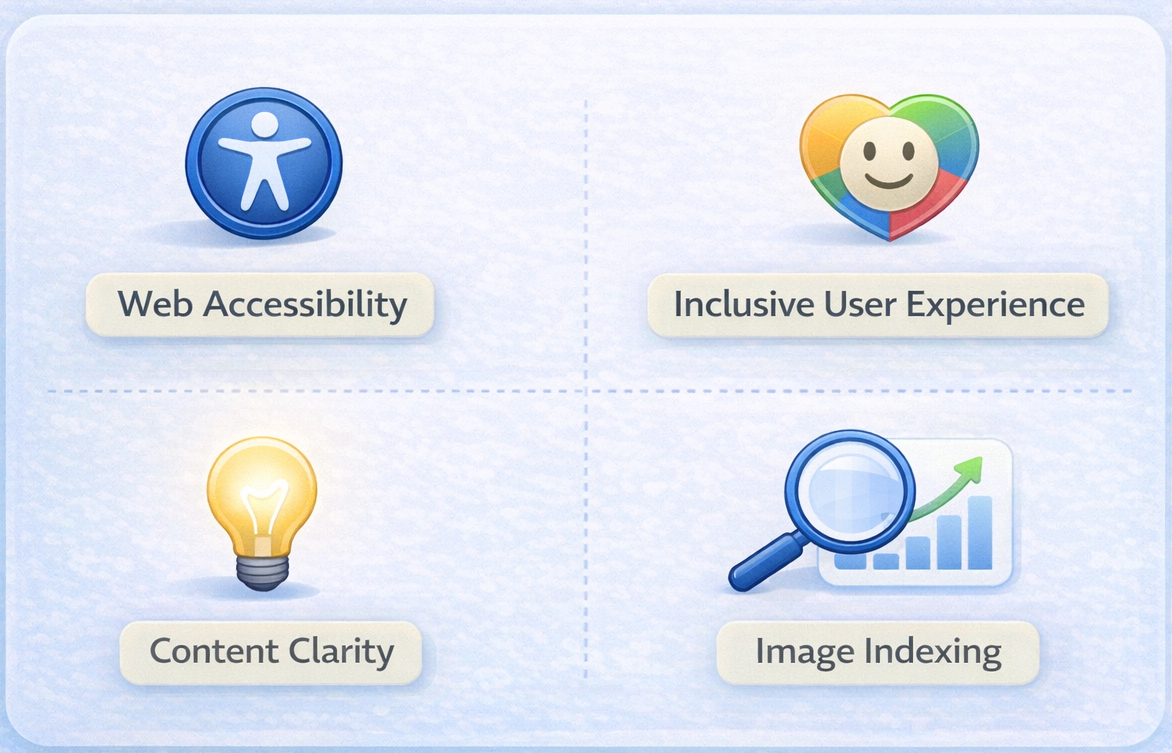
Web Accessibility
Web accessibility ensures that everyone, including people with visual impairments, can access and understand your content.
Screen readers rely on descriptive text to explain what an image represents. If an important image has no description, users who depend on assistive tools may miss key information entirely.
Accessibility is about equal access. When you provide proper descriptions, you make your website usable for all.
Inclusive User Experience
Not every user interacts with your website the same way.
Some users browse with slow internet connections where images fail to load. Others use assistive technology. In both cases, descriptive text ensures the message is still delivered.
Inclusive design means your content works regardless of device, ability, or connection quality.
Content Clarity
Images often add meaning to a page.
A chart may show growth. A product image may display features. A screenshot may explain a process.
Without descriptive context, that meaning can be lost. Clear image descriptions reinforce the message of the page and make the content more understandable.
They support the written content instead of leaving gaps.
Image Indexing
Search engines cannot “see” images like humans.
They rely on text to interpret what the image represents. When descriptive alternative text is provided, search engines can index the image correctly.
This increases the chances of appearing in image search results and strengthens the page’s topical relevance.
How Search Engines Interpret Images
Here is something important.
Search engines like Google do not analyze images visually like humans.
If you upload an image of a “blue running shoe” but provide no image description, search engines do not automatically know what it is.
With proper alternative text like, “Blue running shoe with white sole on a track field”
The context becomes clear.
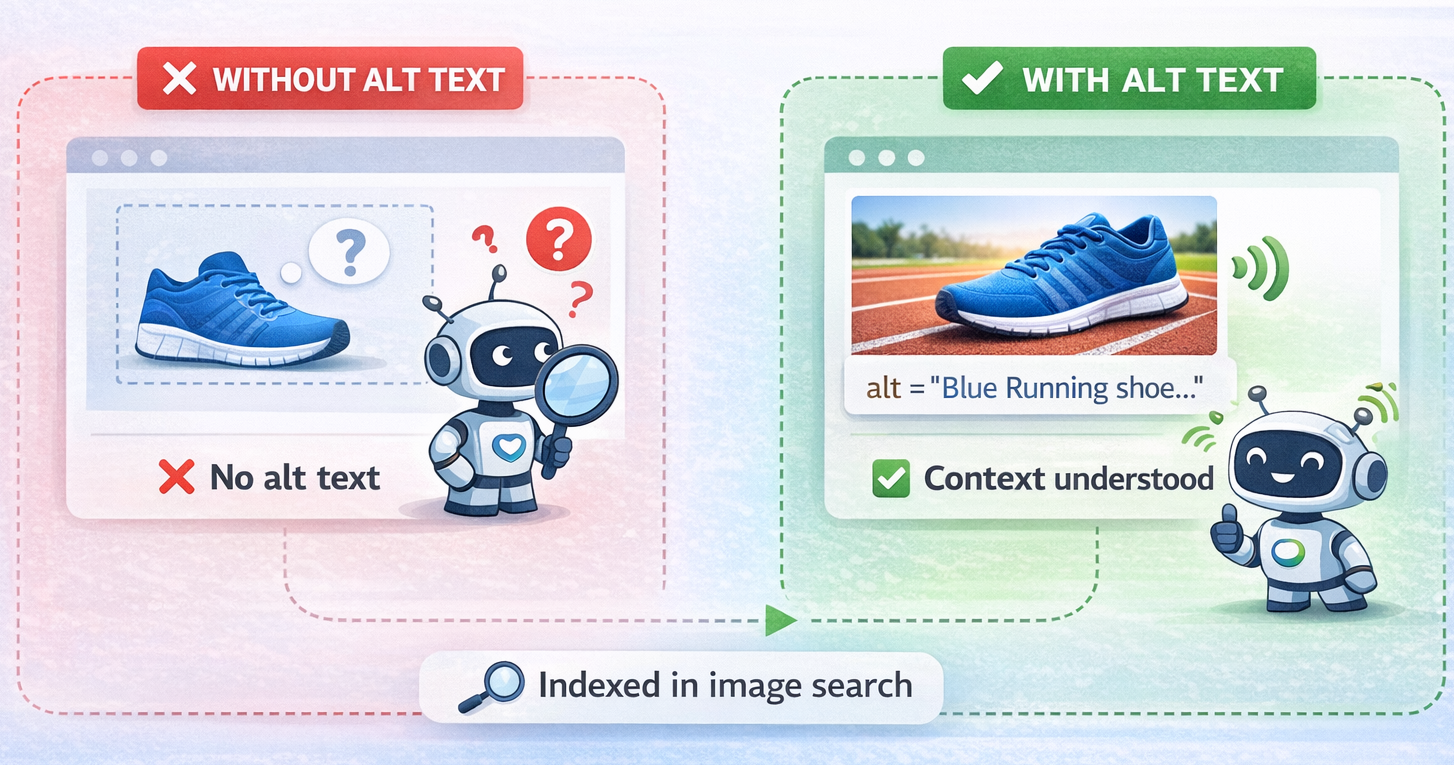
That clarity strengthens topical relevance and supports image search visibility.
How to Write Alt Tags for Different Types of Images
Not every image serves the same purpose.
Your alt tag should match the intent of the image.
Informational Images
These communicate data or meaning.
Example:
“Line graph showing 40 percent traffic growth in six months”
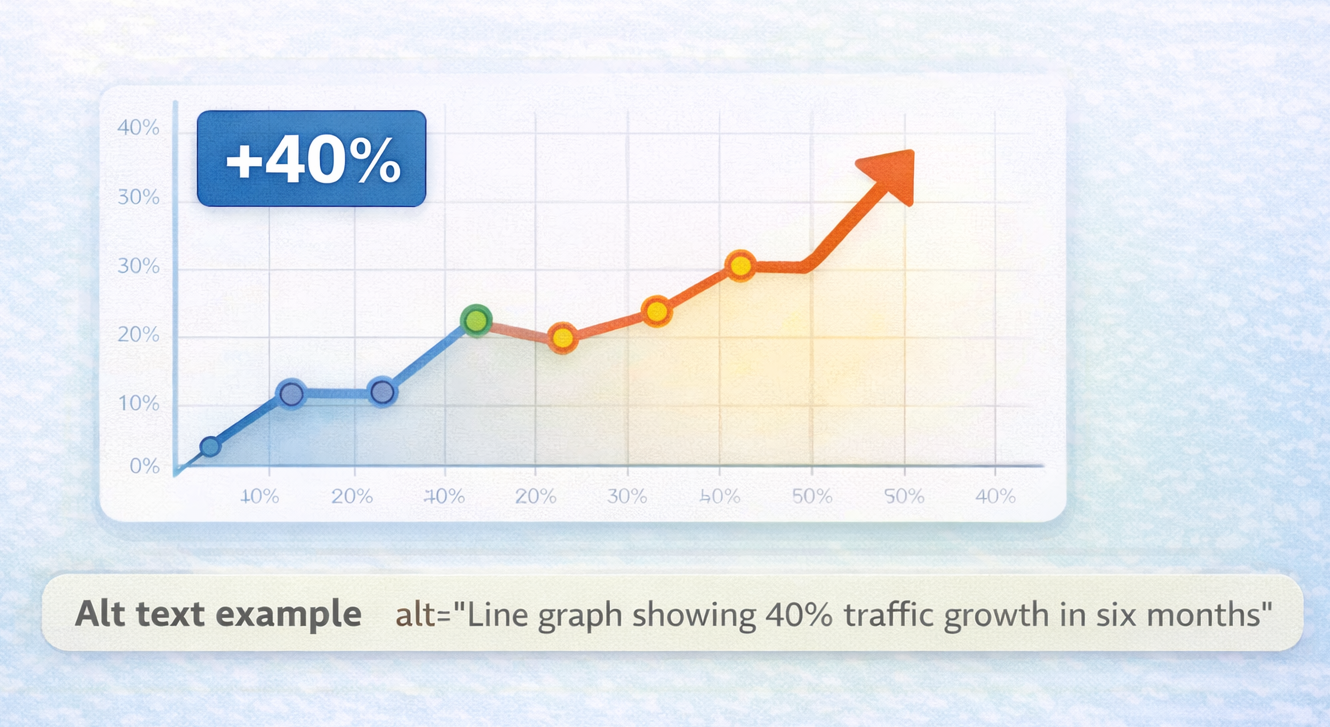
Be specific and clear.
Decorative Images
Purely visual elements should use empty attributes so screen readers skip them.
Example:

This prevents confusion.
Functional Images
Icons or buttons should describe their action.
Instead of:
“Magnifying glass icon”
Use:
“Search button”
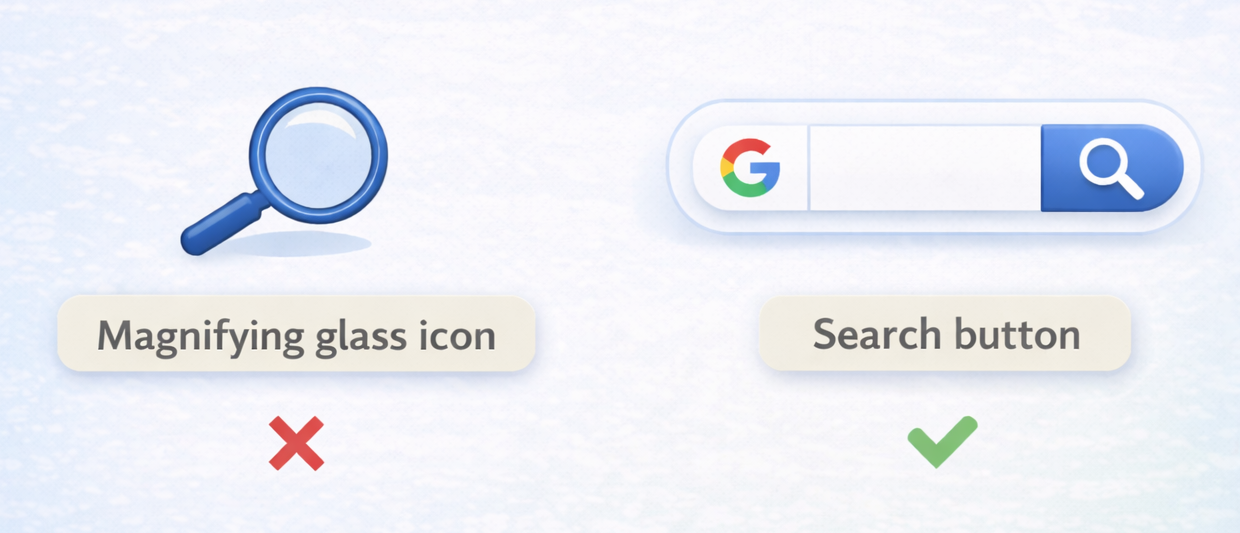
Describe the function, not the design.
Product Images
Focus on the product itself.
Example:
“Black leather office chair with adjustable armrests”
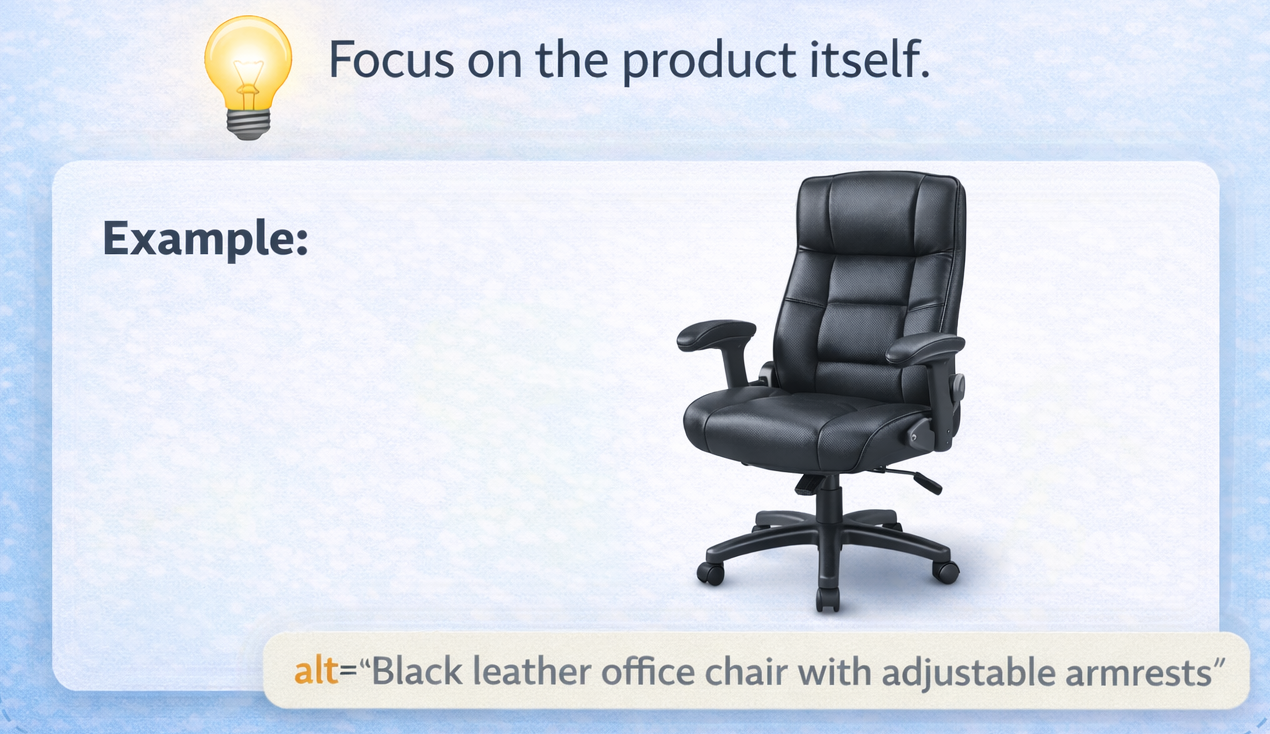
Avoid promotional phrases.
How to Write an Effective Alt Tag
Writing an effective alt tag is not about adding keywords everywhere. It is about adding clarity and meaning.
Follow these simple principles.

Describe What Truly Matters
Focus on the core purpose of the image.
Ask yourself what information the image is adding to the page. Your description should communicate that essential detail. There is no need to mention every minor visual element. The goal is to convey meaning, not decoration.
If the image supports a key idea, the description should reflect that idea clearly.
Keep It Concise
Alt text should be brief but complete.
One clear sentence is usually enough. Long and complicated descriptions can overwhelm users who rely on screen readers and reduce readability.
Clarity and precision are more important than length.
Avoid Redundant Phrases
There is no need to begin with phrases like “image of” or “picture of.” Assistive technologies already announce that the element is an image.
Starting directly with the description keeps the text clean and professional.
Match the Page Context
Alt text should align with the topic of the page.
The description should reinforce the content around it rather than exist in isolation. When the image and text work together, search engines can better understand the overall theme of the page.
Context strengthens relevance.
Do Not Stuff Keywords
Keyword stuffing harms both accessibility and SEO.
Overloading the description with repeated keywords makes it unnatural and difficult to understand. Search engines prioritize helpful, human-readable content.
A well-written alt tag should sound natural when read aloud.
Think of alt text as a bridge between visuals and meaning. If someone cannot see the image, your description should allow them to understand what they are missing clearly and naturally.
When written thoughtfully, a small detail like this can quietly elevate both accessibility and long-term SEO performance.
Common Alt Tag Mistakes to Avoid
Many websites weaken their SEO unintentionally.
Avoid:
- Leaving important images without text
- Repeating the same description across multiple images
- Using vague phrases like “photo” or “image”
- Stuffing keywords unnaturally
One poorly written alt tag can confuse both users and search engines.
Alt Tag vs Image Title
These two are often confused.

An alt tag supports accessibility and search engine understanding.
An image title is optional and mostly appears as hover text.
If you must choose one, prioritize accessibility.
Always.
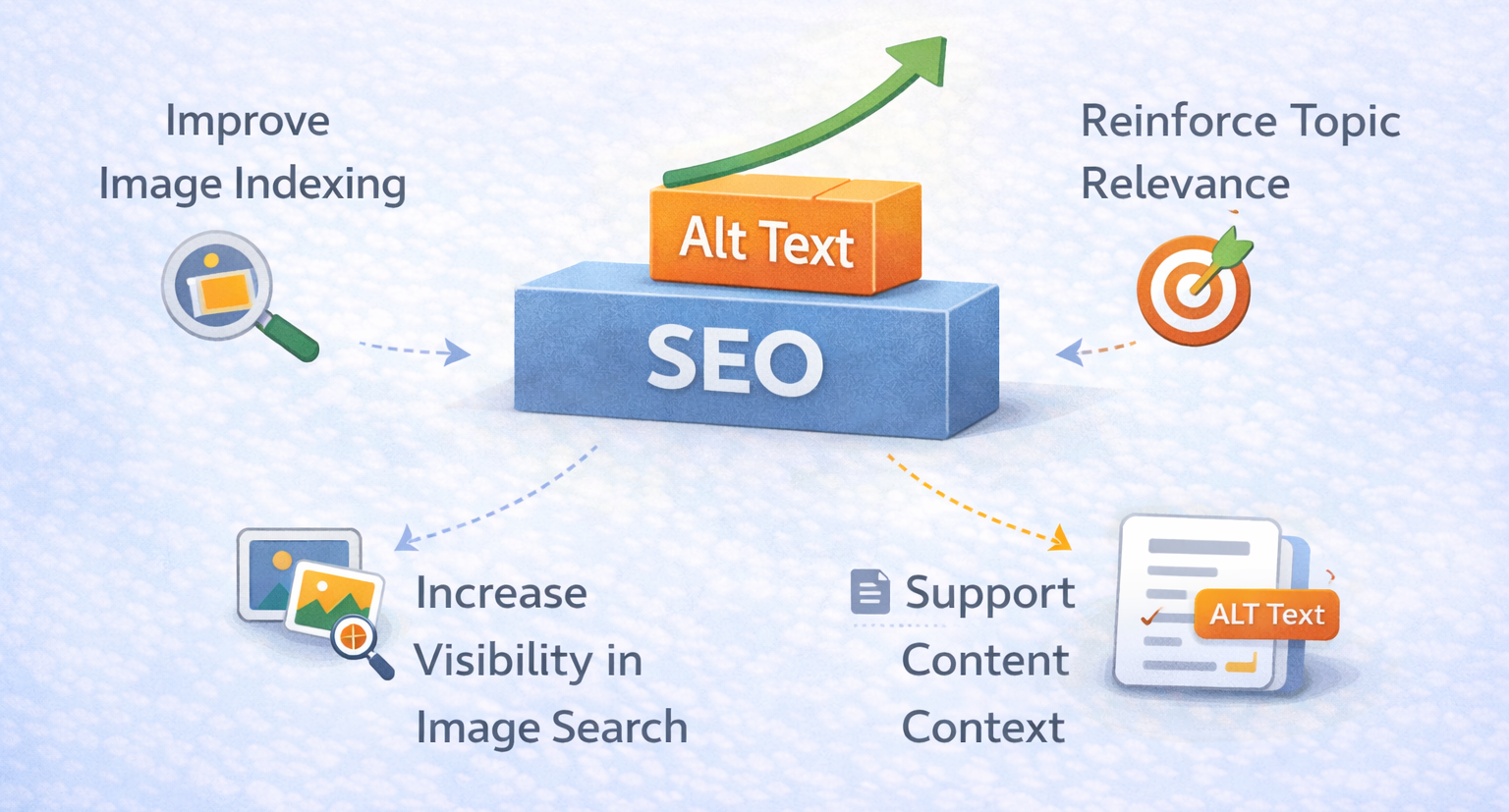
How Alt Tags Support On-Page SEO
Properly written alternative text strengthens SEO in subtle but powerful ways.
It helps strengthen your overall SEO performance in multiple important ways.
Improve Image Indexing
Search engines rely on descriptive text to understand what an image represents. When the description is clear and relevant, the image is more likely to be indexed properly and appear in search results.
Reinforce Topic Relevance
A well-written description connects the image directly to the main subject of the page. This strengthens the overall theme and helps search engines understand what your content is truly about.
Increase Visibility in Image Search
Properly described visuals are easier for search engines to categorize and rank. This improves your chances of appearing in image search results, which can bring additional traffic.
Support Content Context
Images often add meaning to written content. Descriptive text ensures that both users and search engines understand how the visual supports the message of the page.
Alt tags may not boost your rankings overnight.
But alt tags quietly strengthen the overall SEO foundation of your page.
Search engines reward clarity, relevance, and consistency over time.
And SEO success is not built on shortcuts.
It is built on strong foundations.
Small Text, Big Impact
Most SEO improvements are not dramatic.
They are intentional.
An alt tag may seem small, but its impact is significant.
It connects visuals with meaning.
It improves accessibility.
It strengthens on-page SEO naturally.
And learning how to implement detail-driven SEO elements like proper image descriptions is exactly what DSOM (Dehradun School of Online Marketing) focuses on. Students are trained to understand not just ranking strategies but accessibility fundamentals and ethical optimization techniques that build better, more inclusive websites with long-term search performance.