A few years ago, I shared a blog post on social media expecting traffic.
The content was strong.
The headline was optimized.
The page followed on-page SEO best practices.
But the preview looked terrible.
The image was broken.
The title felt random.
The description made no sense.
No one clicked.
That experience taught me something simple but powerful.
The issue was not the quality of the content.
It was how the content was being presented.
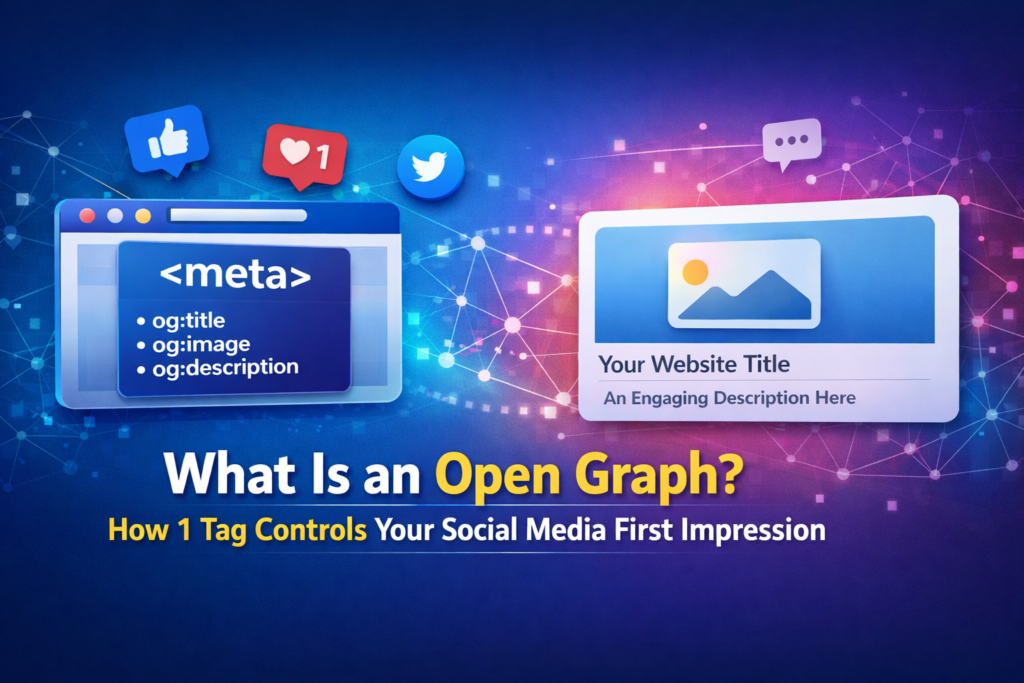
That is when I truly understood what an Open Graph is.
It does not change what you write.
It changes how your content appears when it is shared.
And in a scroll-first world, appearance is often what determines whether someone clicks or keeps scrolling.
What Is an Open Graph in Simple Words
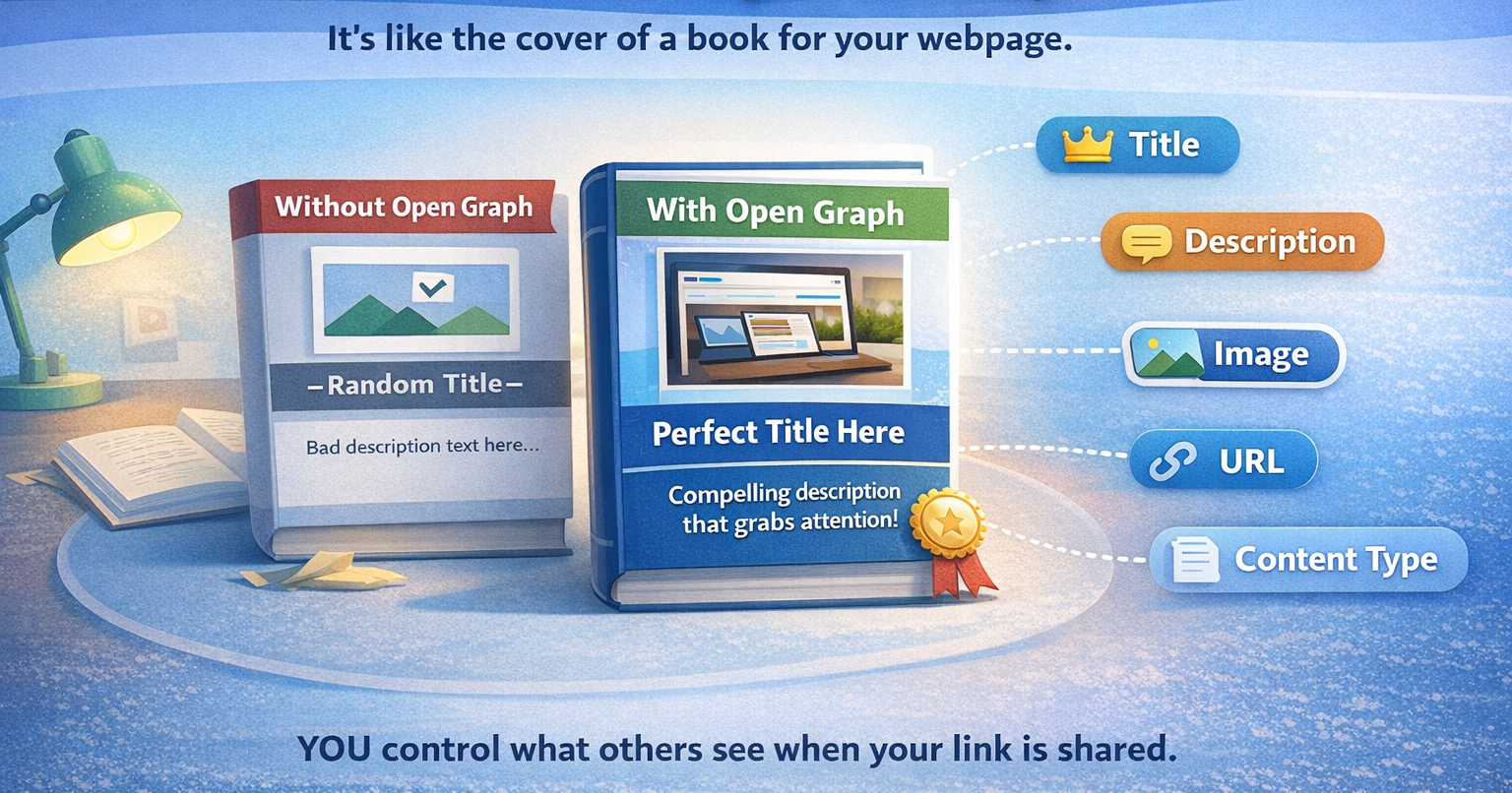
It is a protocol that tells social media platforms exactly how your webpage should appear when someone shares it.
Instead of letting platforms decide what to show, you define:
- The title
- The description
- The image
- The URL
- The content type
Think of it like the cover of a book.
The content inside may be excellent.
But if the cover looks messy, people ignore it.
Why Social Media Previews Matter
People do not click links blindly.
- They scan.
- They judge.
- They decide within seconds.
When your link appears messy or incomplete, users scroll past.
When your preview looks clean and intentional, users pause.
Platforms like Facebook and LinkedIn use Open Graph tags to generate link previews.
A strong preview builds trust instantly.
More trust leads to more clicks.
More clicks lead to better engagement.
That engagement supports your overall on-page SEO performance.
How Sharing Looks With and Without Open Graph
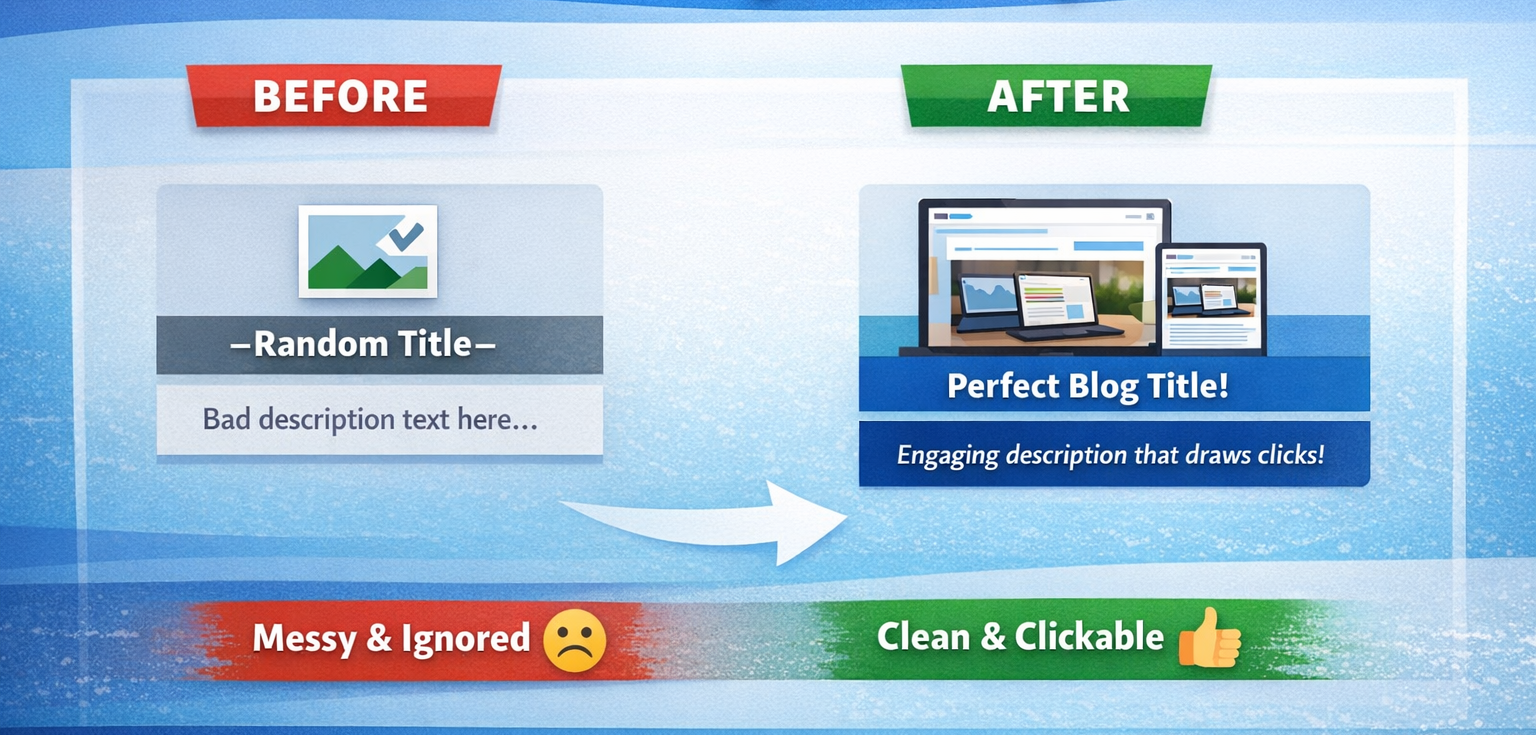
Without proper configuration, the platform may select a random image from your page. The title can appear cut off. The description might pull unrelated or incomplete text.
With a correctly implemented Open Graph setup, the preview displays a clear headline, a high-quality image, and a concise description that aligns perfectly with your message.
The content itself does not change.
But the way it appears changes dramatically.
That is the real power of structured sharing metadata.
It gives you control over how your content is presented, instead of leaving it up to guesswork.
When you control the presentation, you control the first impression, and first impressions determine clicks.
Important Open Graph Tags You Should Know
Open Graph works through meta tags placed inside the head section of your HTML.
Here are the most important ones.
og:title
This controls the headline that appears in the social preview.

og:description
This defines the short preview text shown below the title.

og:image
This specifies the image that appears with the shared link.

og:url
This ensures the correct page URL is shared.

og:type
This defines the content type, such as article or website.

How Open Graph Works Behind the Scenes
When someone shares your link, the platform scans your webpage.
If Open Graph metadata exists, the platform reads it directly.
If the metadata is missing, the platform tries to guess what to display.
Guessing often leads to incorrect images, incomplete titles, and poorly formatted descriptions.
That is why understanding how it works becomes essential for anyone serious about digital visibility.
Does Open Graph Help With SEO
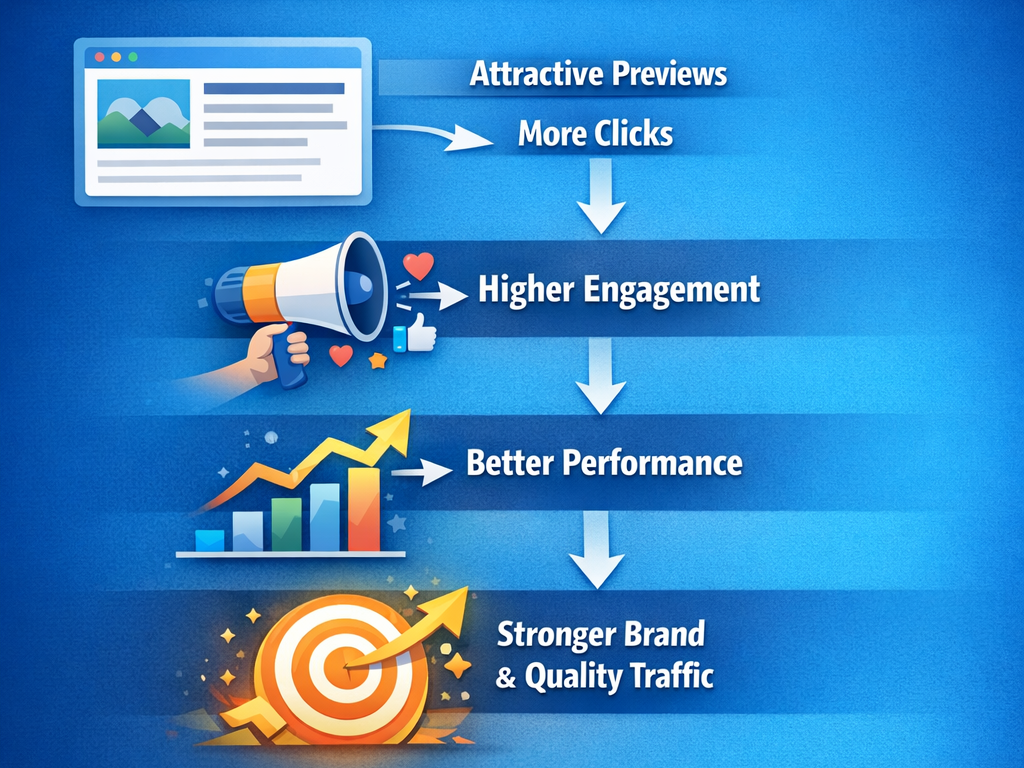
Open Graph does not directly increase your Google rankings.
- However, it supports on-page SEO indirectly.
- When your link preview looks professional and intentional, more users are likely to click.
- When more users click, engagement improves.
- Higher engagement signals that your content is relevant and valuable.
- As engagement improves, your content begins to perform better overall.
- Better performance strengthens your brand credibility and attracts higher-quality traffic.
In this way, structured sharing metadata improves visibility through better presentation and stronger user interaction, even if it does not directly influence rankings
Open Graph and Other Platforms
Most major platforms use Open Graph for link previews.
For example, Facebook and LinkedIn rely heavily on it.
X uses Twitter Cards, which function slightly differently. However, if Twitter-specific tags are missing, the platform typically falls back to the available sharing metadata on your page.
Because of this fallback behavior, structured preview tags become the backbone of social sharing optimization.
They ensure consistency across platforms and prevent unpredictable or poorly formatted previews when your content is shared.
Recommended Image Size for Best Results
Images play a major role in social previews.
For best performance, use:
1200 by 630 pixels
Minimum 600 by 315 pixels
Aspect ratio close to 1.91 to 1
High-resolution images create a stronger visual impact and increase clicks.
Avoid blurry or text-heavy images when optimizing Open Graph previews.
How to Add Open Graph Tags Easily
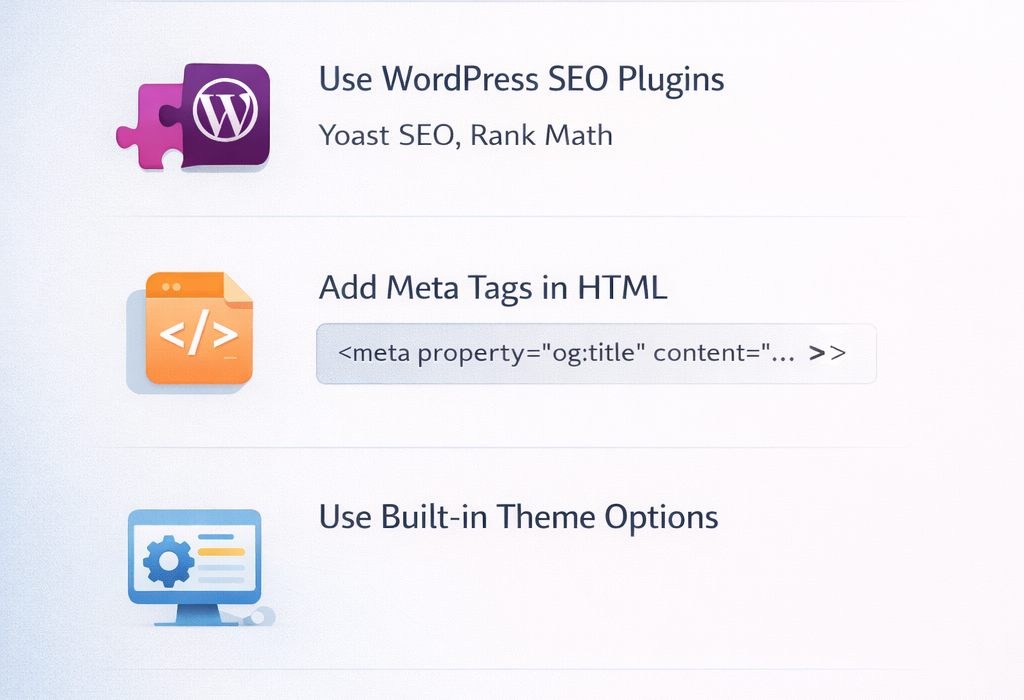
You do not need advanced coding skills.
You can add Open Graph tags in several ways:
Using WordPress SEO plugins such as Yoast SEO or Rank Math
Adding meta tags manually inside your HTML head section
Using built-in theme settings
Once added, your previews become consistent and controlled through Open Graph.
How to Test Your Open Graph Setup
Always test before sharing publicly.
Use tools such as the Facebook Sharing Debugger and the LinkedIn Post Inspector to preview and verify how your Open Graph tags appear when your content is shared.
Testing ensures your sharing configuration works properly and prevents unexpected images, incorrect titles, or outdated descriptions from appearing.
Common Mistakes to Avoid

Many websites completely ignore social metadata.
They focus only on keywords and rankings but forget how their content appears when it is shared.
That is a mistake.
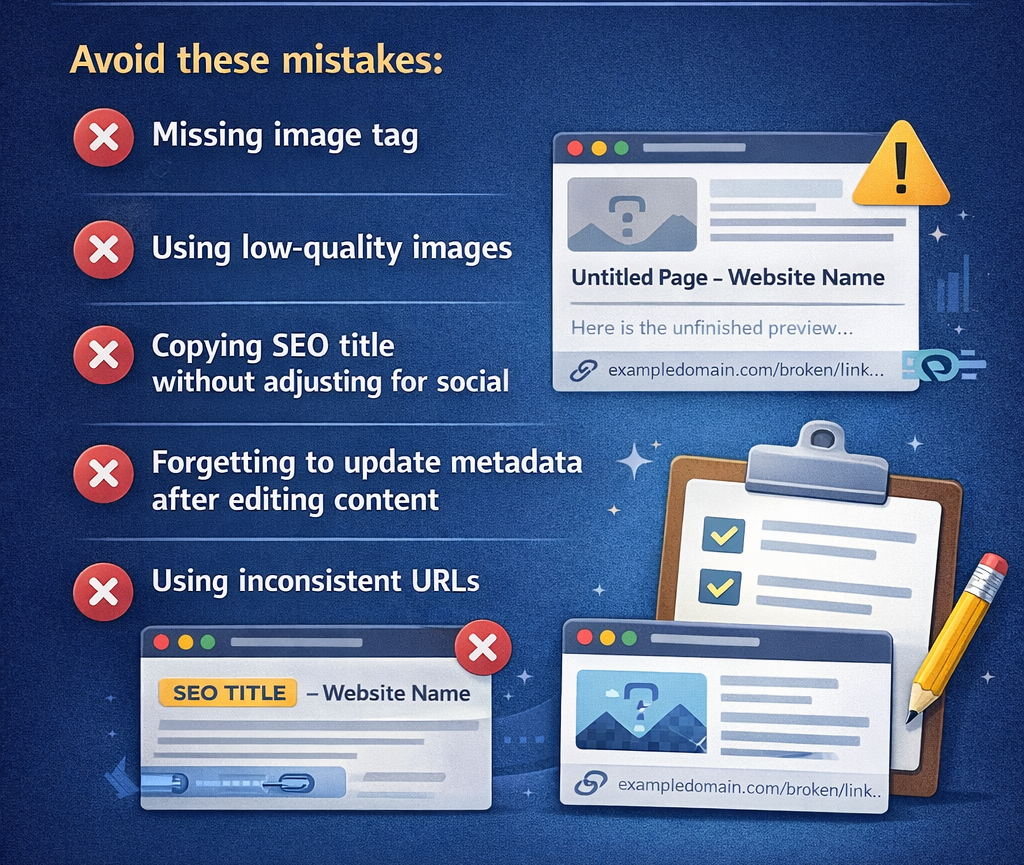
Avoid these common errors:
Missing image tag
If no image is defined, platforms may choose a random graphic from your page. This can look unprofessional or unrelated to your topic.
Using low-quality images
Blurry, stretched, or poorly designed images reduce trust instantly. Social media is highly visual, and image quality directly affects clicks.
Copying SEO title without adjusting for social
A title written for search engines may not always work well for social media. Social audiences respond better to clarity and emotion rather than keyword-heavy headlines.
Forgetting to update metadata after editing content
If you update your article but forget to update the preview information, users may see outdated descriptions or mismatched headlines.
Using inconsistent URLs
Different URL versions (with or without www, HTTP vs HTTPS) can create confusion and affect how previews are generated.
Attention to detail matters.
- When your shared information is accurate and intentional, it builds trust.
- When it looks random or broken, it reduces credibility.
Accuracy in implementation reflects professionalism, and professionalism builds clicks.
Should Every Page Use Open Graph
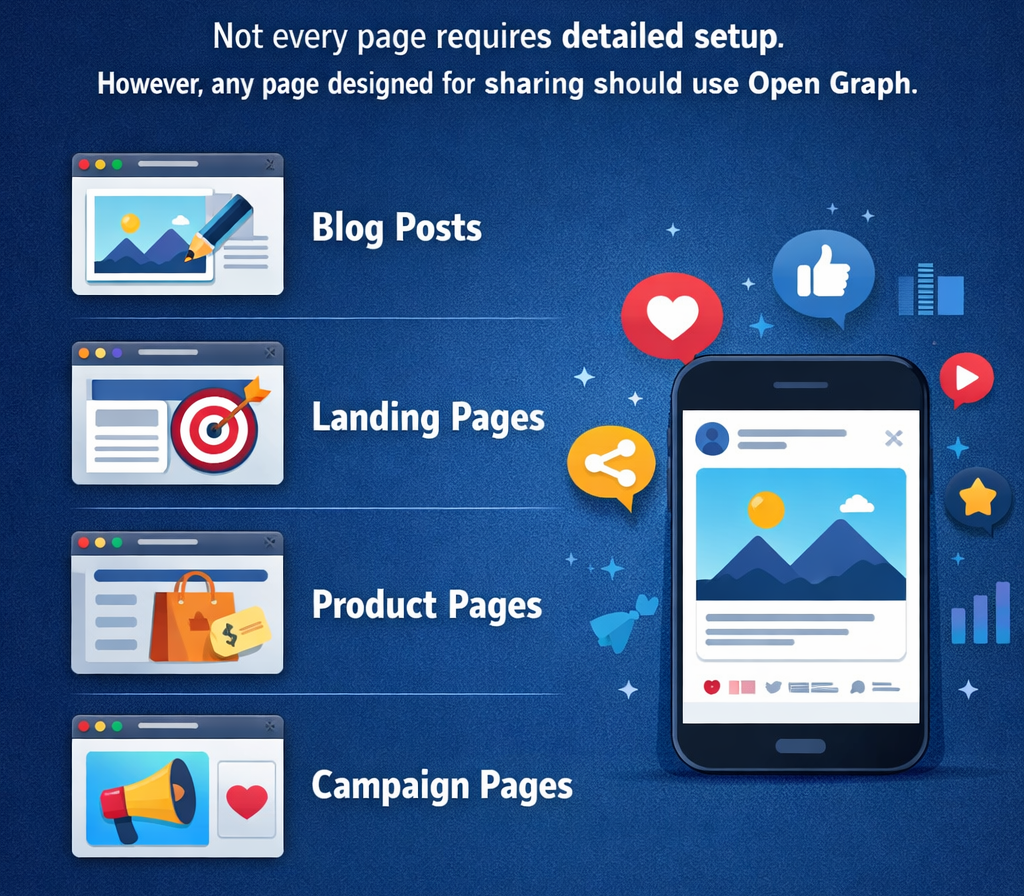
Not every page on your website needs detailed configuration.
For example, a privacy policy page or internal admin page does not need special sharing settings because it is rarely posted on social media.
However, any page that you plan to promote or share publicly should have properly configured preview settings.
This includes:
- Blog posts
- Landing pages
- Product pages
- Campaign pages
Why?
Because these pages are designed to attract attention, generate clicks, and drive engagement.
When someone shares your blog post or product link on social media, the preview becomes your first impression. If the image looks clear, the headline is compelling, and the description is aligned with the content, people are more likely to click.
On the other hand, if the preview looks messy, incomplete, or random, users may scroll past without even reading the title.
Strategically configuring how your page appears when shared ensures consistency, builds trust, and improves click-through rates.
Final Thoughts
Most beginners focus only on keywords and rankings.
But visibility without clicks has no value.
Understanding how Open Graph works gives you control over how your content appears across social platforms.
When combined with strong on-page SEO, it turns social sharing into a powerful growth opportunity.
If you want to learn these strategies practically, DSOM (Dehradun School of Online Marketing) helps you master SEO and real-world digital marketing skills.
Because ranking is good.
But clicks and growth are better.